
The References view
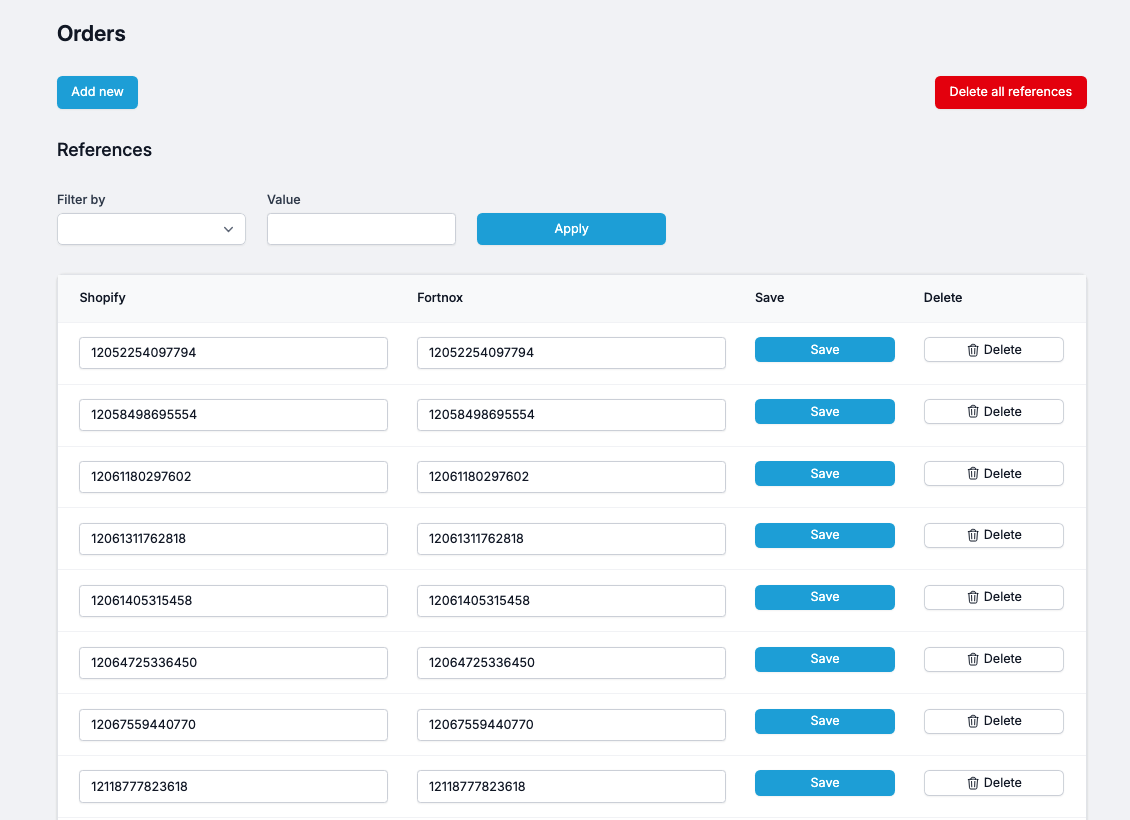
The References page is where Junipeer stores the mapping between identifiers in your source system and identifiers in your destination system. Every time an order, article, payout, or refund flows through the integration, Junipeer records the pair of IDs used to link the two — and that pair is registered here.
What References are
When Junipeer processes an entity, it needs to remember the connection between the two systems. For example:
Shopify order
13335335469442→ Fortnox invoice/order87152Shopify article
SKU-1234→ Fortnox article numberSKU-1234PSP payout
pay_abc123→ Fortnox invoice/order87152
Each of these is a reference — a saved pair of IDs that tells Junipeer "these two records represent the same thing across the two systems." The next time the same source ID shows up, Junipeer knows exactly which destination record it belongs to and doesn't create a duplicate.
Debugging - Cleaning up after a bad sync
If a number of entities was erroneous, you might consider deleting them from Junipeer. Then, performing a sync will download fresh data, essentially creating a next rollout. This is quite useful during testing, but also if there's a need to restart the flow.
It's not recommended to Delete all references. This is a hazardous operation that might only be useful in critical situations.